What Is the Hunter Pro-C WiFi Module?
The Hunter PC-WIFI module is a plug-in WiFi card that upgrades any Hunter Pro-C controller from a traditional timer to a smart, internet-connected irrigation system powered by Hunter’s Hydrawise platform. Once installed, you control your sprinkler system from your phone, set weather-based schedules, and monitor water usage — all without replacing your existing controller.
The PC-WIFI module is one of the most searched-for Hunter products because it offers the easiest, most affordable path to smart irrigation for the millions of Pro-C controllers already installed in homes and businesses.
Compatibility: Which Pro-C Models Work with PC-WIFI?
The PC-WIFI module is compatible with:
- Hunter Pro-C (PCC series) — all station counts (4, 6, 8, 12, 16 stations with expansion modules)
- Hunter PCC — the residential version of the Pro-C
- Hunter X-Core — via the X2 upgrade panel, not the PC-WIFI directly
Not compatible with: Hunter X-Core (without X2 panel), SRC, I-Core, ACC, ICC, or any non-Pro-C model. For X-Core controllers, Hunter offers the Hunter X2 panel upgrade with built-in WiFi instead.
Step-by-Step Installation
Step 1: Check Your WiFi Signal
Before purchasing, verify your WiFi reaches the controller location. The PC-WIFI module needs a reliable 2.4 GHz WiFi signal (it does not support 5 GHz). If your controller is in the garage and your router is upstairs, you may need a WiFi extender.
Step 2: Power Down the Controller
Turn off the Pro-C controller and disconnect AC power. Open the front panel to access the circuit board.
Step 3: Install the PC-WIFI Module
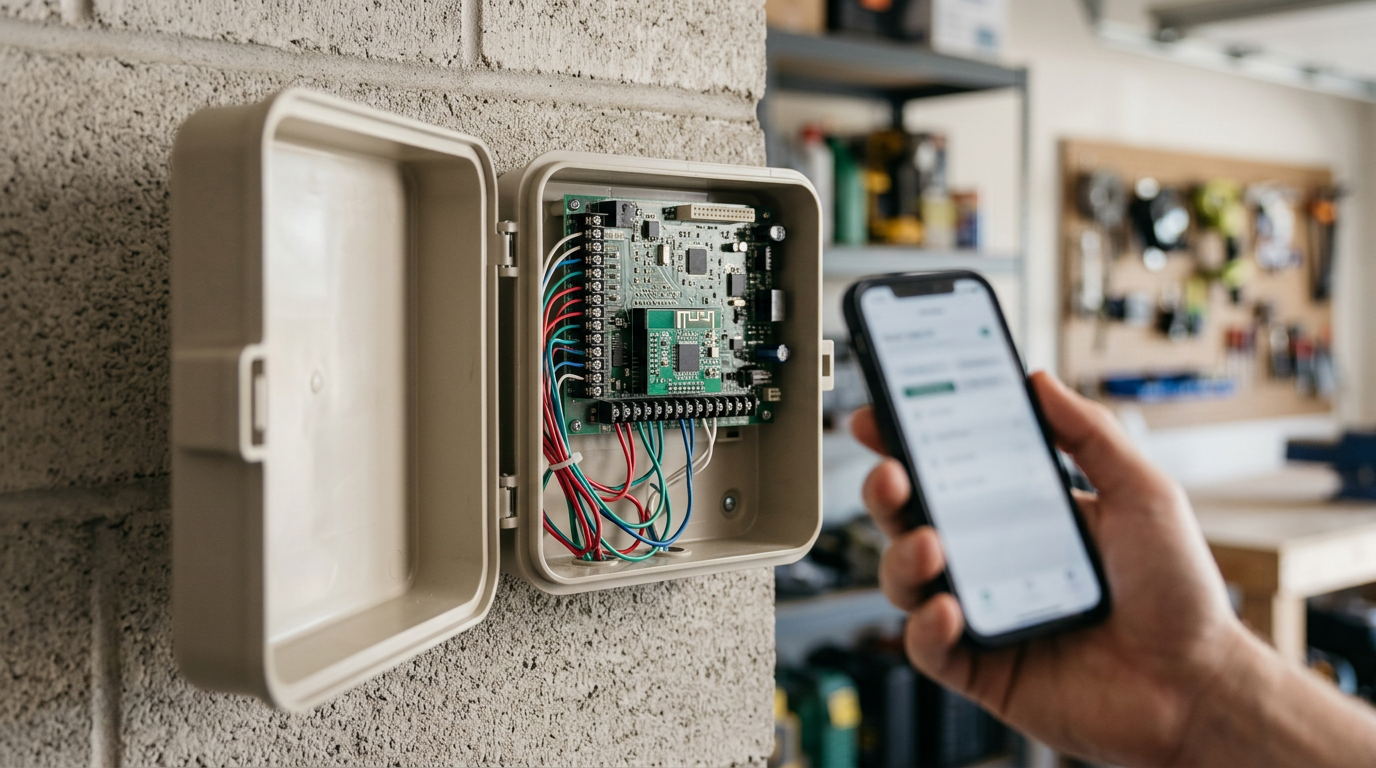
The module plugs into the dedicated slot on the Pro-C main board — it’s a simple push-in connection with no soldering or wiring required. Align the pins and press firmly until the module seats flush.
Step 4: Power Up & Connect
Restore power to the controller. The WiFi module LED will begin blinking, indicating it’s in setup mode. Open the Hydrawise app on your phone (iOS or Android) and follow the in-app pairing process.
Step 5: Configure Hydrawise
Once paired, Hydrawise will detect your Pro-C’s zone configuration. Set up:
- Zone names and plant types
- Weather-based Predictive Watering (uses local weather data to auto-adjust)
- Watering schedules and restrictions
- Optional flow sensor monitoring
Hydrawise Features After Installation
With the PC-WIFI installed, your Pro-C gains access to the full Hydrawise smart irrigation platform:
- Predictive Watering — automatically adjusts schedules based on local temperature, humidity, wind, and rainfall forecast
- Remote control — start, stop, and adjust zones from anywhere via the app
- Water usage reporting — track gallons used per zone per day/week/month
- Multi-controller management — manage multiple controllers from one Hydrawise account
- Rain delay & freeze protection — automatic suspension during rain or freezing conditions
Troubleshooting Common Issues
Module won’t connect to WiFi
Ensure your router is broadcasting on 2.4 GHz (not 5 GHz only). Many dual-band routers use the same SSID for both bands — try creating a dedicated 2.4 GHz network name. Also verify the WiFi password has no special characters that might cause encoding issues.
Controller shows offline in Hydrawise
Check the module LED status: steady green = connected, blinking = searching. If blinking, move closer to the router or add a WiFi extender. Also check that your router’s firmware is up to date.
Zones don’t respond from the app
Verify wiring at the controller terminals. The PC-WIFI module controls the same valve outputs as the manual dial — if manual operation works but app control doesn’t, the issue is WiFi connectivity, not wiring.
Frequently Asked Questions
Does the PC-WIFI module require a subscription?
No. The Hydrawise platform is free for homeowners managing up to 6 zones. The Pro plan (for contractors managing multiple sites) has an optional subscription, but basic smart features are free forever.
Can I still use the manual dial after installing PC-WIFI?
Yes. The manual dial on the Pro-C continues to work normally. You can run manual zones from either the dial or the app.
What happens if my internet goes down?
The Pro-C controller continues running its last-programmed schedule locally. When internet returns, the Hydrawise platform reconnects automatically. Your sprinklers never stop working due to internet outages.
Where can I buy the Hunter PC-WIFI module?
We carry the genuine Hunter PC-WIFI module with manufacturer warranty. Shop Hunter WiFi controllers and modules here.